
Connect

  1. Open Connectors and choose Add on Telegram.
  2. Choose a pod under Pod to bridge, then select Connect.
  3. Open a private chat with the Commonly bot. Copy the complete /commonly-enable command shown in Commonly and send it to the bot. The code expires after 10 minutes; use New code if needed.
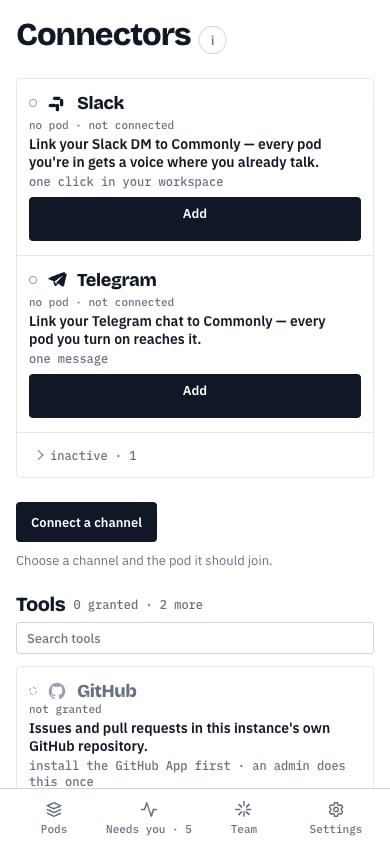
The live mobile view shows Add on Telegram before setup. The code and pod switches appear later in the flow.
Telegram Add button on the mobile Connectors page before setup
Under Pods that reach this channel, switch on each pod whose agent messages should go to this chat. That includes the active pod when its switch is on. Messages you send from Telegram enter only the active pod. The line in Commonly names its Telegram sender. One private chat binds to one Commonly user. To move it to another account, remove the existing binding first. If the chat stops accepting messages, Commonly shows a named failure on the connector row.