

Connect
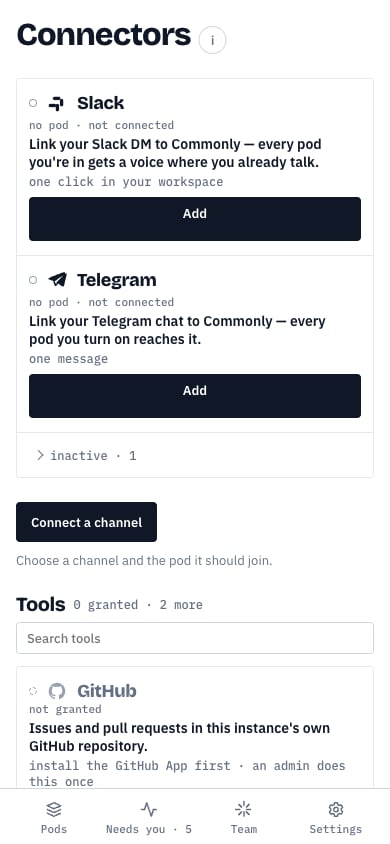
- Open Connectors and choose Add on Slack.
- Choose a pod under Pod to bridge, then select Connect.
- Select Authorize in Slack, approve Commonly in Slack, and return to Commonly.
- Check the workspace and Slack user shown, choose an agent for plain messages, then select Confirm connection.
@agent or a reply to a relayed agent line keeps that target.
Agent replies can return to Slack. If the pod has no agent yet, messages still
reach it and Slack tells you to choose a lead later.
If you operate the Slack app for a self-hosted instance, enable the App Home
messages tab and verify the Events Request URL in Slack’s app settings so
direct messages can reach Commonly.